

Hands-on workshops, strategic insights, and executive briefings designed to help your team unlock the full value of Apple at work.
Find what's right for you
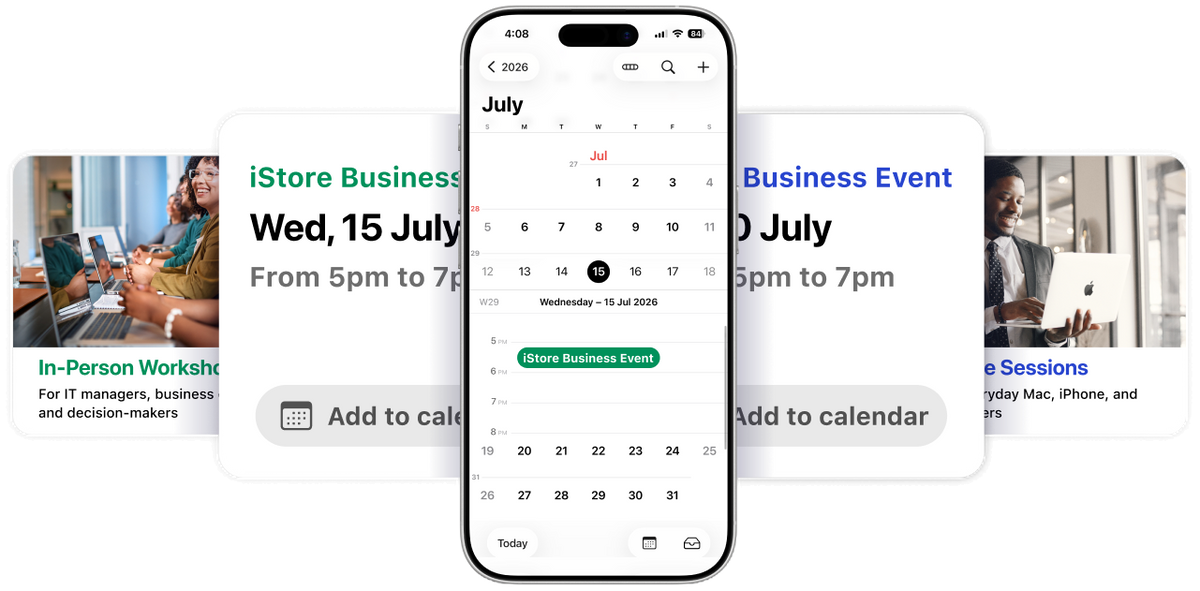
iStore Business Connect runs across three types of events. Whether you're an everyday Apple user, a business owner, or a senior leader, there's a session designed for where you are.

Online Sessions
For everyday Mac, iPhone, and iPad users
- 40 min | Fortnightly | Recorded
Short, practical sessions for anyone using Apple devices at work. No technical background needed. Each session covers one topic, is designed to be immediately useful and is recorded so your team can watch back at a time that suits them.

In-Person Workshops
For IT managers, business owners and decision-makers
- 2hrs | Monthly | JHB & CPT
Deeper, hands-on sessions for the people responsible for technology decisions in their business. Held monthly in Johannesburg and Cape Town, each workshop runs for two hours and covers practical topics relevant to IT teams and business leaders.

Executive Briefings
For senior leaders and C-suite executives
- 3hrs | Quarterly | By invitation
Quarterly thought leadership events for CIOs, CTOs and senior decision-makers, featuring guest speakers, peer conversation, and strategic discussion about the future of technology in business. Attendance is by invitation, speak to your account manager to express your interest.


Upcoming sessions
Browse and register for upcoming online sessions and in-person workshops
-
Online Session
Switching from PC to Mac: First-Week Survival Guide
Switching from Windows to macOS is seamless once you adjust to a few structural differences. Finder replaces File Explorer for managing your files and drives, while Spotlight serves as your instant search bar for finding apps, documents, and system settings in a single click. Managing applications is equally straightforward: click the top-left Apple Menu for core system settings, install downloaded software by simply dragging With two-finger trackpad taps replacing the traditional right-click, you can easily navigate files and workspace layouts without changing how you actually work.
Book a seat (opens in a new tab) -
Online Session
Meet Siri AI: Apple Intelligence on Mac, iPhone & iPad
Apple Intelligence transforms Siri across Mac, iPhone, and iPad into a deeply integrated, context-aware assistant capable of reading onscreen content, understanding personal data across your apps and executing multi-step actions on your behalf. Powered by on-device foundation models and Private Cloud Compute, it delivers system-wide capabilities; including writing tools, smart summaries, image generation and natural-language photo search, all while keeping your data private through strict hardware-level encryption and secure server processing.
Book a seat (opens in a new tab) -
Online Session
Get Full Value from iCloud+ and Apple One
To get the full value from iCloud+ and Apple One, start by enabling built-in privacy tools like Hide My Email, Private Relay for Safari and custom email domains, while taking advantage of fee-free smart camera storage via HomeKit Secure Video. Next, fully utilise bundled services by enabling Lossless Audio in Apple Music, playing ad-free games on Apple Arcade, and exploring Fitness+ or News+ audio stories. Finally, maximise cost efficiency by enabling Family Sharing for up to six accounts, keeping individual storage and media private; and stacking a standalone iCloud+ plan on top of Apple One if you ever need to expand your total storage capacity beyond 2TB.
Book a seat (opens in a new tab) -
Online Session
Continuity: Make Your iPhone, iPad & Mac Work as One
Apple’s Continuity features turn your iPhone, iPad and Mac into a unified workstation by allowing hardware, data and active apps to work together seamlessly in real time. Through tools like Universal Control, Sidecar and iPhone Mirroring, you can control multiple screens with a single mouse and keyboard, extend your Mac display onto an iPad, or operate your phone directly from your desktop. By signing into the same Apple ID with Wi-Fi and Bluetooth enabled, you unlock effortless cross-device productivity, enabling instant Universal Clipboard copy-pasting, Handoff for switching active tasks between screens, and using your iPhone as a high-definition webcam or document scanner.
Book a seat (opens in a new tab)
Quarterly Executive Briefing
An exclusive, invitation-only event for CIOs, CTOs, and senior decision-makers. Each quarter we bring together a curated group of executives for thought leadership, peer networking, and strategic conversation around the future of business technology.
- Thought Leadership
- Guest Speaker
- Peer Networking
- Strategic Insights
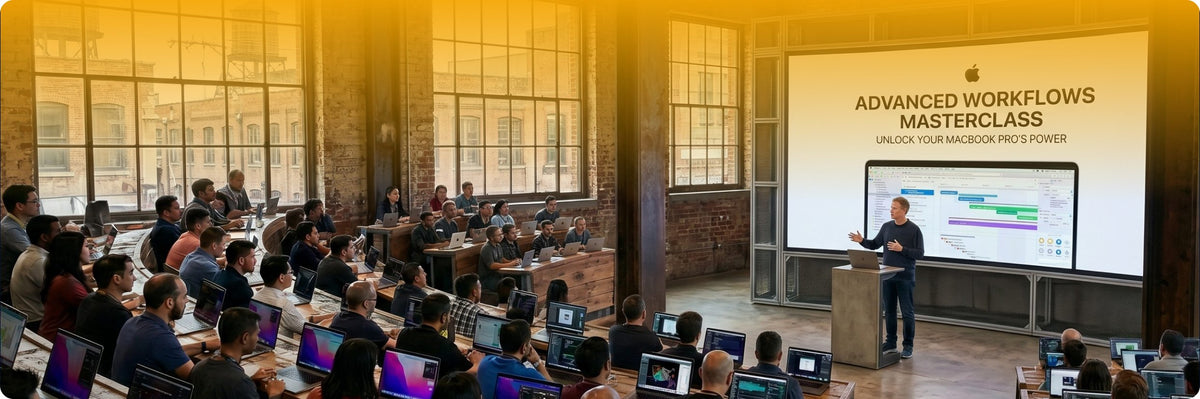
Training Programmes
On-demand guides your team can access anytime, with no registration needed
Frequently asked questions
Anyone using Apple at work is welcome. Online sessions are open to all iStore Business customers, whether you are an everyday Mac user, part of an IT team, or a business owner. In-person workshops are suited to business owners and teams at growing companies. Executive Briefings are by invitation for senior leadership.
Find a session that works for you above and click 'Book your seat'. You will be asked for your name, email address, company, and job title. A confirmation email and calendar invite will be sent to you automatically.
Yes, all iStore Business Connect sessions are complimentary. Registration is required as spaces are limited.
Yes. Online sessions are recorded and made available in our Training Videos section within a week of the live event, so you can watch back at a time that suits you.
Online sessions are short and practical, focused on helping everyday users get more from the Apple tools they use at work. In-person workshops go deeper into business-focused topics relevant to IT teams and decision-makers. Full session topics will be announced ahead of each event.
Absolutely, you are welcome to bring colleagues along. We ask that everyone registers individually so we can plan accordingly and make sure everyone receives a confirmation and reminder.
Yes. If you would like a dedicated session for your organisation, reach out to your account manager and we can explore what is possible.
Executive Briefings are by invitation. Click 'Express your interest' on the Executive Briefing section of this page and we will be in touch, or speak to your account manager directly.

Stay informed
Subscribe (opens in a new tab)Get event updates and session announcements straight to your inbox.


